
WhatsApp Scheduled Messages: How to Schedule a Message and When You Get It
By MyQuickTrippers Editorial Team · 27 Nov 2026
8 min read · Tech
WhatsApp has finally added one of its most requested features: you can now schedule a message to send later. Announced on Tuesday 25 November 2026, Scheduled Messages lets you write a text, attach a photo or video, and pick a delivery time anywhere from 10 minutes to 14 days ahead — in one-to-one chats and in groups. The message is delivered at the time you chose even if your phone is switched off or its battery has died, and it keeps the same end-to-end encryption as your other personal chats. The feature is rolling out globally on iPhone and Android over the coming weeks, so it may not have reached your phone yet. This guide explains how it works, step by step, what it can and cannot do, and the limits to know before you rely on it.
Scheduled Messages is a native WhatsApp feature, not a third-party tool. Until now, sending a WhatsApp message at a future time meant using a separate app, an automation shortcut, or simply remembering to send it yourself. WhatsApp's own announcement — posted on its official X account on 25 November with the words 'we did it, you can now schedule messages on WhatsApp' — frames it as the end of that workaround. The feature had been spotted in testing first among Android beta users in October 2026, then with iPhone beta users, before the public rollout began.
The obvious uses are the ones WhatsApp itself suggests: birthday wishes timed for midnight, reminders that need to land at a specific hour, and messages to people in other time zones that you want to arrive at a reasonable hour for them rather than at 3 a.m. their time. It works in individual chats and in groups, which matters for announcements — a group reminder for a trip, a meeting, or a family event can be written now and delivered when people will actually see it. For anyone with family or friends abroad, the time-zone case alone is worth the wait: write the message in your evening, schedule it for their morning, and nobody has to set an alarm or do mental arithmetic with a nine-hour gap.
The steps below are the ones WhatsApp published in its Help Center and confirmed by every major tech outlet covering the launch. Update WhatsApp to the latest version first — the option only appears once the rollout has reached your account.
- Open the individual or group chat where you want the message to go.
- Type your message, or attach a photo or video. Text, photos and videos are supported.
- Instead of tapping the Send button, press and hold it. A scheduling option appears.
- Pick the date and time you want the message delivered. The window runs from 10 minutes ahead to 14 days ahead.
- Confirm, and the message is queued. It will be sent automatically at the time you chose.
To see what you have lined up, WhatsApp's Help Center says to tap your profile picture and open Scheduled messages, where your queued messages are listed. Press and hold any item there to delete it before it is sent. If the long-press on the Send button does nothing, the feature has not reached your account yet — the rollout is gradual, and WhatsApp says it will take place over the coming weeks, so check again after updating the app.
The detail that makes this feature genuinely useful is the delivery guarantee. WhatsApp says a scheduled message will be delivered at the selected time even if the sender's phone is switched off or has run out of battery. That means the message is held on WhatsApp's servers once you schedule it, rather than waiting on your phone to send it — which is also why the feature works across the 10-minute to 14-day window without you having to keep the app open. WhatsApp also says scheduled messages keep the same end-to-end encryption as your other personal chats, so even WhatsApp cannot read them.
Scheduled Messages has real limits, and the most important ones are easy to miss. First, you cannot edit a scheduled message. If you spot a typo or want to change the time, the only fix is to delete the queued message and write a new one. Second, documents cannot currently be scheduled — the supported list is text, photos and videos, and WhatsApp has not announced support for documents or other attachment types. Third, the group rule: in a group chat, a scheduled message only reaches the people who belonged to that chat when you wrote it. Anyone who joins afterwards never sees it, so do not schedule an announcement for a group that is still growing. Fourth, the window is fixed at 10 minutes to 14 days — you cannot schedule something for five minutes from now, and you cannot schedule a message a month ahead.
Finally, availability. The rollout is global but gradual: WhatsApp says it is happening over the coming weeks, which means two people on the same version of the app can have different access on the same day. WhatsApp's Help Center also notes that the feature is not available in WhatsApp Business for now — if you run a shop or a service on the business app, you will still need to send reminders by hand. And if you use WhatsApp on the web or desktop, check whether the option has reached those versions too; the launch coverage confirms iPhone and Android first.
Third-party scheduling apps and phone automation shortcuts have offered WhatsApp scheduling for years, but they came with compromises: granting an unknown app access to your messages, keeping your phone switched on, or relying on accessibility workarounds that broke with every update. A native feature removes all of that — the message is queued inside WhatsApp itself, encrypted end to end, and delivered from WhatsApp's servers. It also joins Instagram, which already offers scheduled messages, in bringing the same idea to Meta's other big messaging app. The practical difference for most people is reliability: a birthday message scheduled in WhatsApp will go out at midnight whether or not you remember, and whether or not your phone is charged.
How do I schedule a message on WhatsApp?
Open a chat, type your message or attach a photo or video, press and hold the Send button, pick a date and time between 10 minutes and 14 days ahead, and confirm. Update the app first — the feature is rolling out gradually.
Will a scheduled WhatsApp message send if my phone is off?
Yes. WhatsApp says scheduled messages are delivered at the selected time even if your phone is switched off or its battery has run out.
Can I edit a scheduled WhatsApp message?
No. You cannot edit a scheduled message — delete it from the Scheduled messages view and write a new one.
Can I schedule a message in a WhatsApp group?
Yes, in both one-to-one and group chats. But in a group the message only reaches people who were members when you wrote it — anyone who joins later will not see it.
Why can't I see the schedule option?
The feature is rolling out globally over the coming weeks, so it may not have reached your account yet. Update WhatsApp to the latest version and check again. It is also not available in WhatsApp Business for now.
- Digital Trends — WhatsApp's most requested feature is finally official, and it changes how you send texts
- MacRumors — WhatsApp Finally Adds Scheduled Messages
- The Hindu — WhatsApp users can now schedule messages to be sent later
- News18 — WhatsApp Scheduled Messages: How To Send Messages Up To 14 Days Later
- Financial Express — WhatsApp finally rolls out Scheduled Messages: Here's how you can use it
- WION — WhatsApp rolls out message scheduling
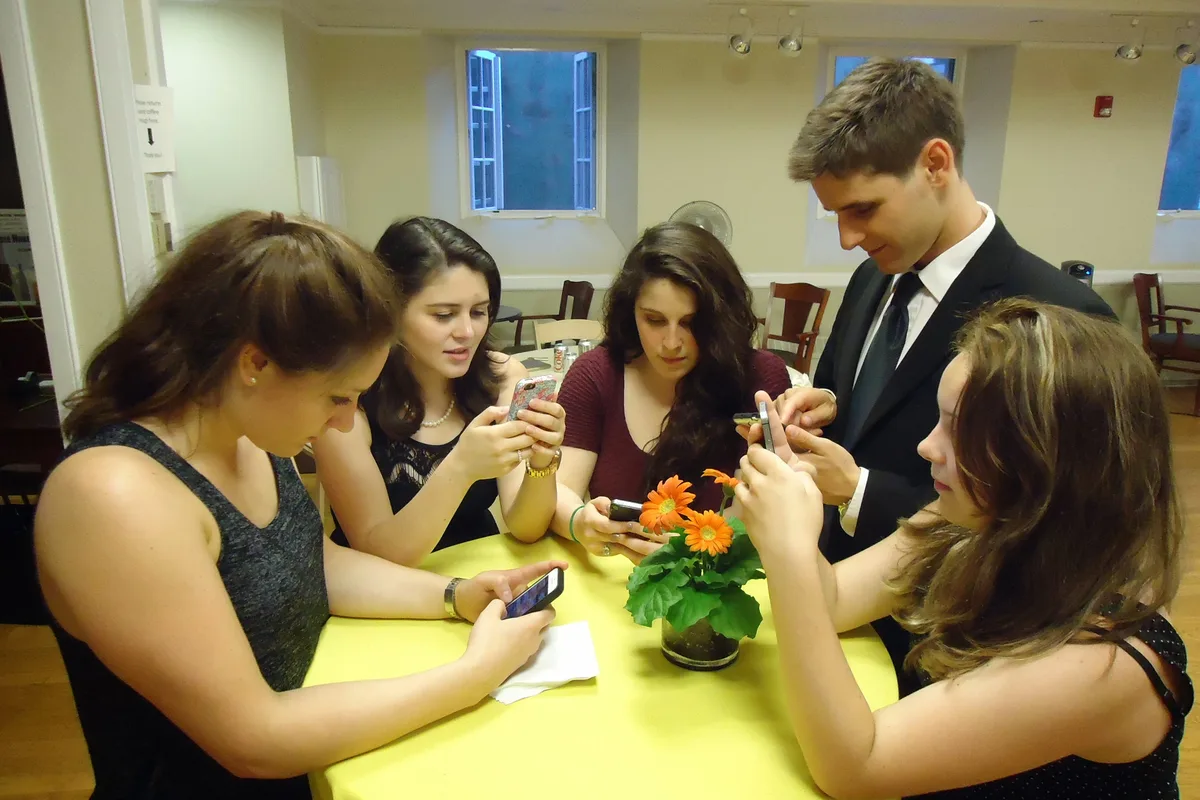
Hero photo: young people texting on their smartphones at a party, photographed by Tomwsulcer, CC0 (via Wikimedia Commons). A generic photo of people messaging on phones, not a screenshot of WhatsApp. Source: https://commons.wikimedia.org/wiki/File:Young_people_texting_on_smartphones_using_thumbs.JPG — no logos or watermarks. Updated 27 November 2026.
Share this article