Char Dham Yatra Registration: Step-by-Step Online Guide
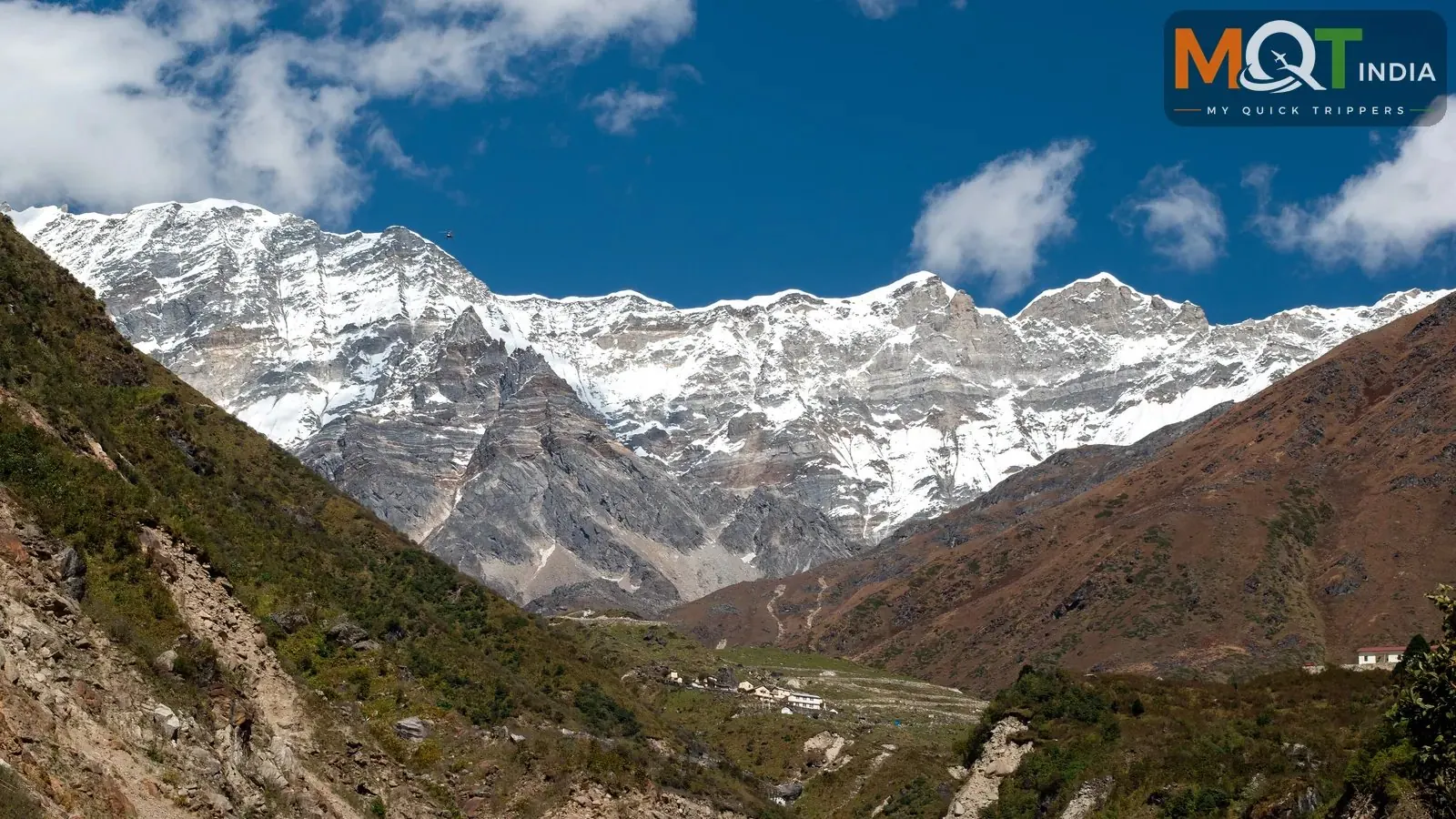
Char Dham Yatra registration is mandatory for every pilgrim visiting Yamunotri, Gangotri, Kedarnath or Badrinath — no registration, no darshan. The system is biometric, checked at multiple points along the route, and designed to keep track of pilgrims for safety in these high-altitude regions. The good news: registering online takes about fifteen minutes if you have your documents ready.
This step-by-step guide walks you through the online registration process, the documents you need, what happens at verification counters, the special health screening for Kedarnath, and the questions everyone asks. Do this before you book hotels or transport — it is the foundation of the yatra.
What Registration Involves
The Uttarakhand government requires all Char Dham pilgrims to register with their personal details, ID proof, photograph and travel itinerary. Registration generates a slip with a QR code (and involves biometric capture at verification points) that is scanned at checkpoints — entering the yatra route, at the dhams, and at the Kedarnath trek base. The system also feeds the government's pilgrim tracking for disaster management, which is why the details must be accurate.
Registration is free of charge. You can register online in advance — strongly recommended — or at physical counters in Haridwar, Rishikesh, Barkot, Uttarkashi, Guptkashi, Sonprayag and Joshimath. Online registrants still complete biometric verification at the first checkpoint they cross.
Step-by-Step: Registering Online
- Visit the official Uttarakhand tourist care / Char Dham registration portal run by the state tourism department. Use only the official portal — several lookalike sites charge 'fees' for a free service.
- Create an account with your mobile number and verify it with the OTP.
- Fill in the pilgrim details: name, age, gender, address, ID proof type and number, and emergency contact.
- Upload a recent passport-size photograph and a scanned copy of your government photo ID (Aadhaar, passport, voter ID or driving licence).
- Enter your yatra plan: which dhams, expected dates, and group members travelling with you (each member registers individually or as part of a family/group entry).
- Submit and download the registration slip with the QR code. Save it on your phone and carry 2-3 printouts.
- On the route, complete biometric verification at the first checkpoint (fingerprint/photo capture) — carry the original ID whose number you registered with.
Documents Checklist
- Government photo ID — Aadhaar card, passport, voter ID or driving licence (original + 2 photocopies).
- Recent passport-size photographs (digital upload + 2-3 physical copies).
- Mobile number active for OTP verification.
- For Kedarnath: fitness for the mandatory health screening at Sonprayag — carry a summary of any medical conditions and your regular medication.
- Senior citizens: a doctor's fitness note is not officially mandatory but is wise to carry; the Sonprayag screening decides trek eligibility.
- Children: ID proof (Aadhaar or school ID) and registration like adults.
Verification Counters and the Kedarnath Health Screening
Where verification happens
Expect your registration slip and ID to be checked at the entry to the yatra route and at each dham. Counters at Haridwar, Rishikesh, Barkot, Uttarkashi, Guptkashi and Joshimath handle on-the-spot registration for those who did not register online — but queues in May-June can be hours long, which is why online registration is strongly advised.
The Sonprayag health screening
Pilgrims heading to Kedarnath undergo a free mandatory health screening at Sonprayag — blood pressure, oxygen saturation and a basic fitness assessment for the high-altitude trek. Most healthy pilgrims clear it in minutes. If your readings are concerning, you may be advised against the trek — this is for your safety, and the helicopter or palki alternatives exist precisely for this situation. Be honest about medical conditions; altitude does not negotiate.
Registration for Groups and Families
Travelling as a family or group? Each pilgrim registers individually — there is no single 'group registration' that covers everyone, though you can create the entries from one account. Register children too, with their ID proof. Keep a master sheet: every member's registration number, ID type and number, and emergency contacts — the tour leader or eldest member should carry printouts for all.
If you are travelling with an organised operator, they typically handle bulk registration assistance — confirm whether they do it for you or expect you to arrive registered. Either way, verify every slip before departure: wrong ID numbers are the most common checkpoint headache, and fixing them on the mountain wastes hours. A ten-minute verification at home saves a day on the route.
Two practical questions come up constantly. Can you change your yatra dates after registering? The registration captures your planned itinerary, but checkpoints primarily verify identity and valid registration — minor date shifts rarely cause issues, though for a different month re-registering through the portal is cleaner. And what if the portal is down or you cannot register online? Physical counters at Haridwar, Rishikesh, Barkot, Uttarkashi, Guptkashi and Joshimath register pilgrims on the spot for free — expect long queues in May-June, arrive a day early, and carry all documents plus photographs.
How early should I register before my yatra?
Register as soon as your dates are reasonably firm — ideally 4-8 weeks ahead for May-June travel. Early registration costs nothing and guarantees you are in the system; the portal occasionally slows under peak load, and registering early avoids the opening-week rush. If your dates shift later, re-register or update rather than travelling on stale details. And if you are combining Hemkund Sahib with the Char Dham, note that it falls under the same registration framework during its June-October season — mention it in your itinerary details when registering.
Frequently Asked Questions
Is Char Dham registration really mandatory?
Yes — it is checked at multiple checkpoints and required for darshan at all four shrines. Unregistered pilgrims are turned back or made to register at counters, losing hours. Register online before you travel.
How much does registration cost?
Registration itself is free on the official portal. Be wary of agents or websites charging 'registration fees' — the only legitimate costs in the process are your own travel and any assistance service you knowingly hire.
Can I register for only one or two dhams?
Yes — registration covers the dhams you specify in your yatra plan. Do Dham (Kedarnath–Badrinath) pilgrims register for those two; there is no requirement to commit to all four.
What if I lose my registration slip on the route?
Your registration is in the system against your ID number and biometrics, so counters can retrieve it — but this costs time. Keep a photo of the slip on your phone, a printout in your daypack, and another with your main luggage.
Do helicopter yatra passengers need registration too?
Yes — every pilgrim, however they travel, must be registered. Reputable helicopter operators handle or assist with registration as part of the package; confirm this explicitly when booking. Note that the administration has used daily caps for Kedarnath in past seasons to manage crowds and safety, with slots allocated through the registration system — caps and rules can change season to season, which is another reason to register early in May-June.
Registration is the least spiritual and most important fifteen minutes of your Char Dham Yatra — do it online, do it early, carry printouts, and the rest of the journey flows. If you would like the registration, route, stays and darshan logistics handled as one package, chat with our travel experts on WhatsApp to plan this trip.
Share this article